 OVERDRIVE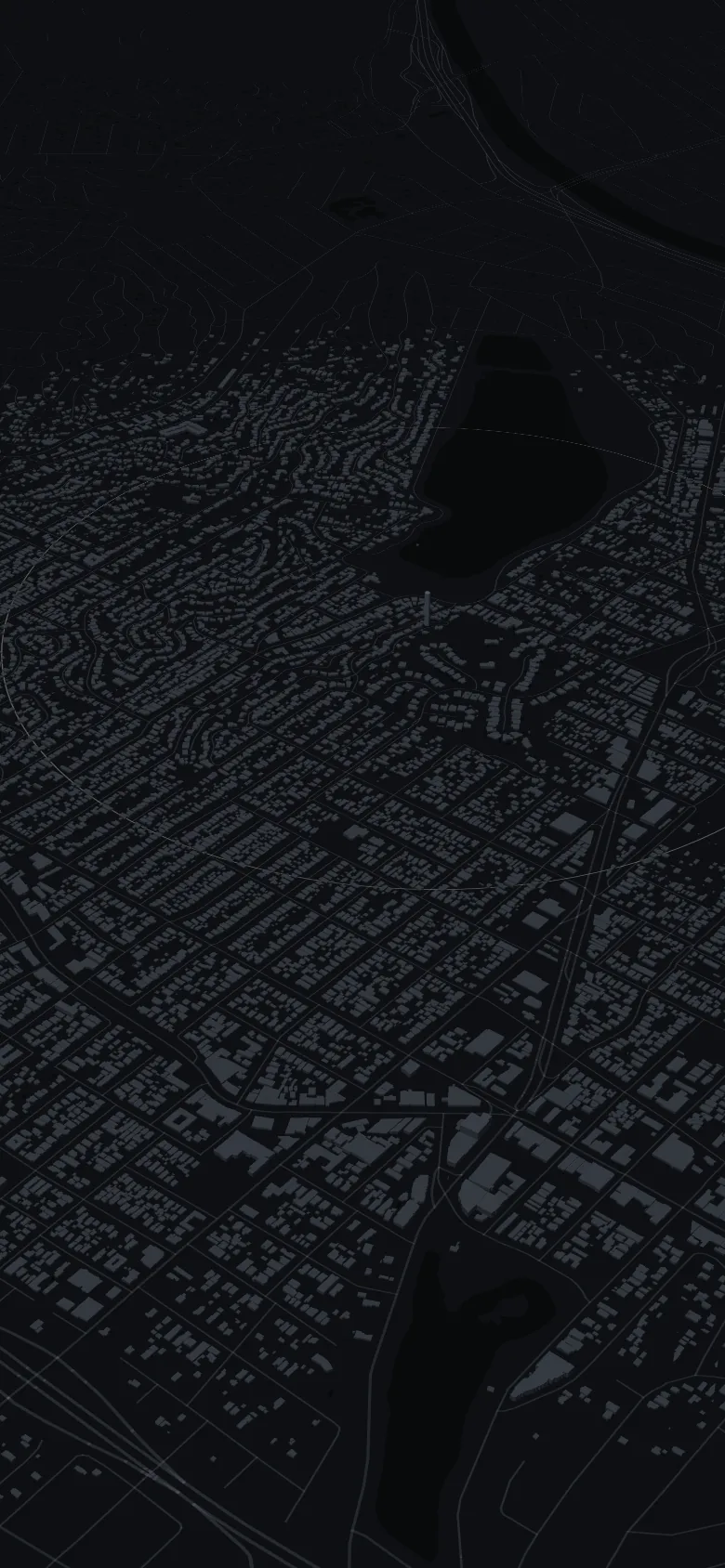
OVERDRIVE 2.0 · iPhone
Every road you drive lights up.
Your city starts dark. Drive it, and it fills in, street by street. Scored on how smoothly you drive, never on speed.
This is Silver Lake, at night.
Every street is here. None of them are yours yet.
Start a drive. Put the phone down.
It records hands-free and snaps your line to the real street.
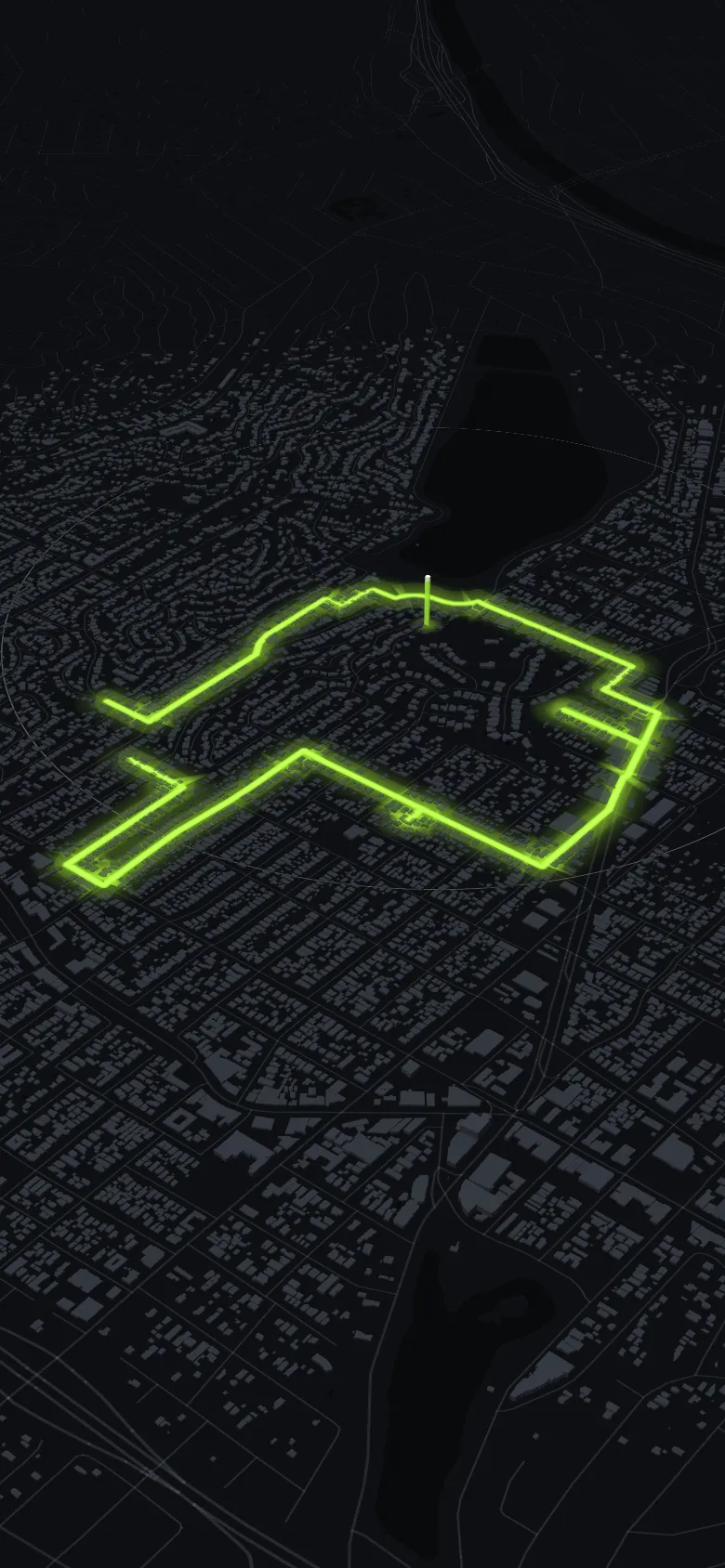
Silver Lake Loop. Zone earned.
2,206 zones in 230 cities give every drive somewhere to aim.
Every street you take switches on. And stays on.
Park, and the new roads are yours for good.
4.5 km. Under 1% of Los Angeles.
Then go and light the rest.
4.5 KM · 0.95% OF LOS ANGELES · 1 ZONE
The map is OVERDRIVE's own clay-city style, drawn from OpenStreetMap data (live in your browser on desktop). The route is a real 4.5 km loop through Silver Lake, Los Angeles; the app completes a discovery zone after 600 m inside it.
The real app
Park. See what you lit.
Every drive ends on a results screen. Your route draws itself in light, then you see what you lit, your flow and the XP you earned.
- 01Drive
Start while parked and put the phone down. Each street lights up as you take it.
- 02Park
The replay starts: your route draws itself across the city.
- 03See what you lit
The new road, your flow and the XP the drive earned.
Step 01 is a screen recording of OVERDRIVE 2.0, route replayed on the iOS Simulator, time-lapse 6×.
5.7 km new roadAvg flow 90%+182 XP


The drive itself, street by street. Screen recording of OVERDRIVE 2.0, route replayed on the iOS Simulator, time-lapse 6×.


Nothing to tap.
While you drive, distance, time and flow sit on the Lock Screen and in the Dynamic Island. Pick a destination and it counts down the kilometres to go.

Flow, not speed
Scored on smooth. Not speed.
Flow rewards a calm line: steady pace, clean corners, gentle stops. On the drive screen it stays hidden while you're moving and shows once you stop. It's fair to what you drive, from a car to a scooter, and Passenger mode paints without scoring.
How you drove itElysian Park

No speed leaderboardSpeed is never scored
Your average and top speed appear on your own drive, and on a poster only if you choose to share it. They are never scored, ranked or part of any competition.
Somewhere to aim
Your city, zone by zone.
Flow roads to drive cleanly, coins to collect, scenic routes and new areas to discover. New ground raises your city's percentage. Or drop a zone of your own, anywhere on earth.
230 cities53 countries & territories2,206 zones566 flow · 467 coin · 678 scenic · 495 discovery

58 medals. None for speed.
Odometer, road trips, flow, cities, streaks, crews and more, with 9 kept secret. The drives you've already recorded count.
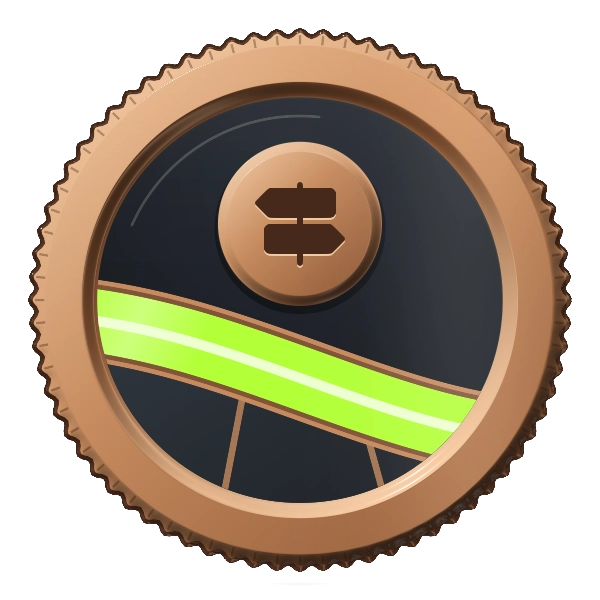
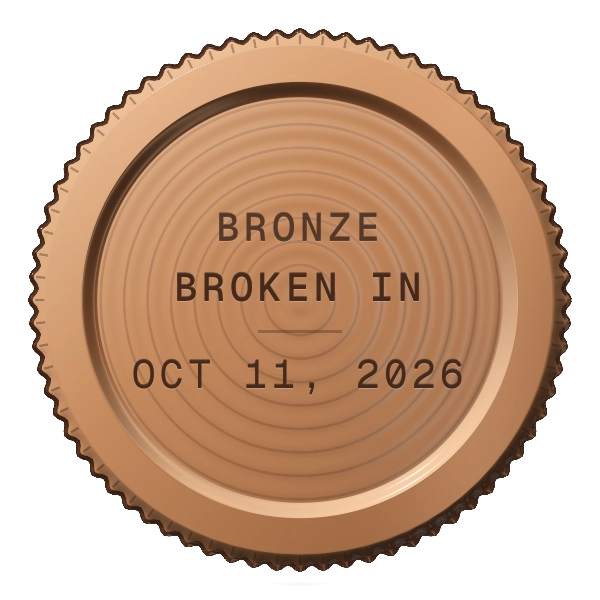
Drag to spin · tap to turn over
Bronze · OdometerBroken In: paint 100 km of road in total.


Bring your crew.
Add friends by driver code, start or join a crew, chat, plan car meets and climb your city's distance board together. Convoy puts friends and crew-mates on your map while you drive. Sharing your position stays off until you switch it on.
Report and block are one tap away. Ghost drivers are simulated, always tagged GHOST, and can be switched off.
Your licence. Your posters.

Your level, your city's percentage and every kilometre you've painted, on one card in Garage.


Every drive becomes a 9:16 poster. The first and last 300 m of every drive are left off, so where you start and stop stays private.
First two drives free. Then Pro.
Your first two drives open everything, with no card and nothing to cancel. Every drive after them needs OVERDRIVE Pro. Billed by Apple; cancel any time in Settings.
3 days free, then $34.99 a year. About $0.67 a week. Auto-renews yearly until cancelled.
3 days free, then $9.99 a month. Auto-renews monthly until cancelled.
Auto-renews weekly until cancelled.
$29.99 once, until 31 October. Then $49.99. One payment, no renewal.
US prices. Local prices vary and are shown in the app before you pay. The 3-day free trial on Annual and Monthly is for eligible new subscribers; Weekly has none. No ads, ever.
Questions, answered.
Is there an app that shows which roads I've already driven?
That is what OVERDRIVE does. Record a drive and the streets you covered are painted onto your own map, so your city starts dark and fills in as you explore it. The roads you have never taken stay unpainted — which is the part that makes the map worth filling.
How is this different from a mileage tracker or a dashcam?
A mileage tracker gives you a number and a dashcam gives you footage. OVERDRIVE gives you a map. Every drive is kept as a route you can look back at, each is scored on how smoothly you drove rather than how fast, and the roads you have not driven yet become the thing you are chasing.
Does driving faster give me a higher score?
No, never. Flow scores smoothness. There is no speed leaderboard, lap timer or drift score anywhere in the app. Your average and top speed appear on your own drive screens, and on a poster only if you share one.
Does it work outside the United States?
Yes. Roads paint anywhere on earth, and 230 cities in 53 countries and territories have curated zones. The app speaks 14 languages.
Do I have to hold my phone?
No. Start the drive while parked, put the phone down and drive. It records hands-free, and distance, time and flow show on your Lock Screen and in the Dynamic Island.
Can other people see where I live?
Posters leave off the first and last 300 m of every drive. Your painted map and drives are stored on your iPhone. Convoy is off until you switch it on, and only friends and crew-mates can see it.
Where is my data stored?
On your iPhone by default — drives, discovery, profile and stats. Online features also use services for map tiles, road matching, profile and crew data, and drive-summary statistics. There are no ads and no tracking SDKs. Read our privacy policy and in-app settings before sharing information.
What are the medals?
58 achievements for distance, road trips, discovery, streaks, smooth driving and more, 9 of them secret. Not one rewards speed.
Does it drain my battery?
It uses GPS, so it costs more than an idle phone. There's a Power Saver mode that lowers the sample rate for long drives.
Is there an Android version?
Not yet. iPhone only for now.
How do I cancel?
Settings → your name → Subscriptions → OVERDRIVE → Cancel. You keep access until the end of the period you've paid for.
More answers: Is there a Forza Horizon-style app for real roads? · 8 apps that color in the roads you've driven, compared · A Google Maps Timeline alternative for your drives · An app to drive with friends · How to see where you've driven on iPhone · OVERDRIVE fact sheet
Make car content? Drive it first.
Free year, nothing to post. If you like it, there's a paid partnership on the other side.
Your city is still dark. Go and light it.
One drive, 4.5 km of Silver Lake. iPhone, iOS 16.4 or later.